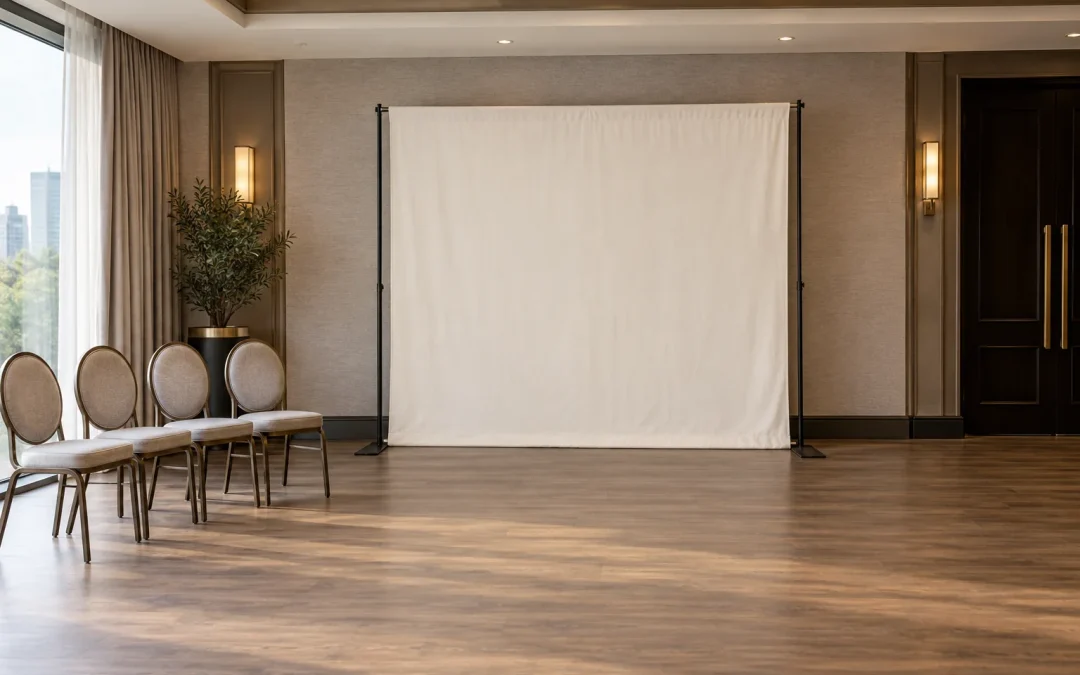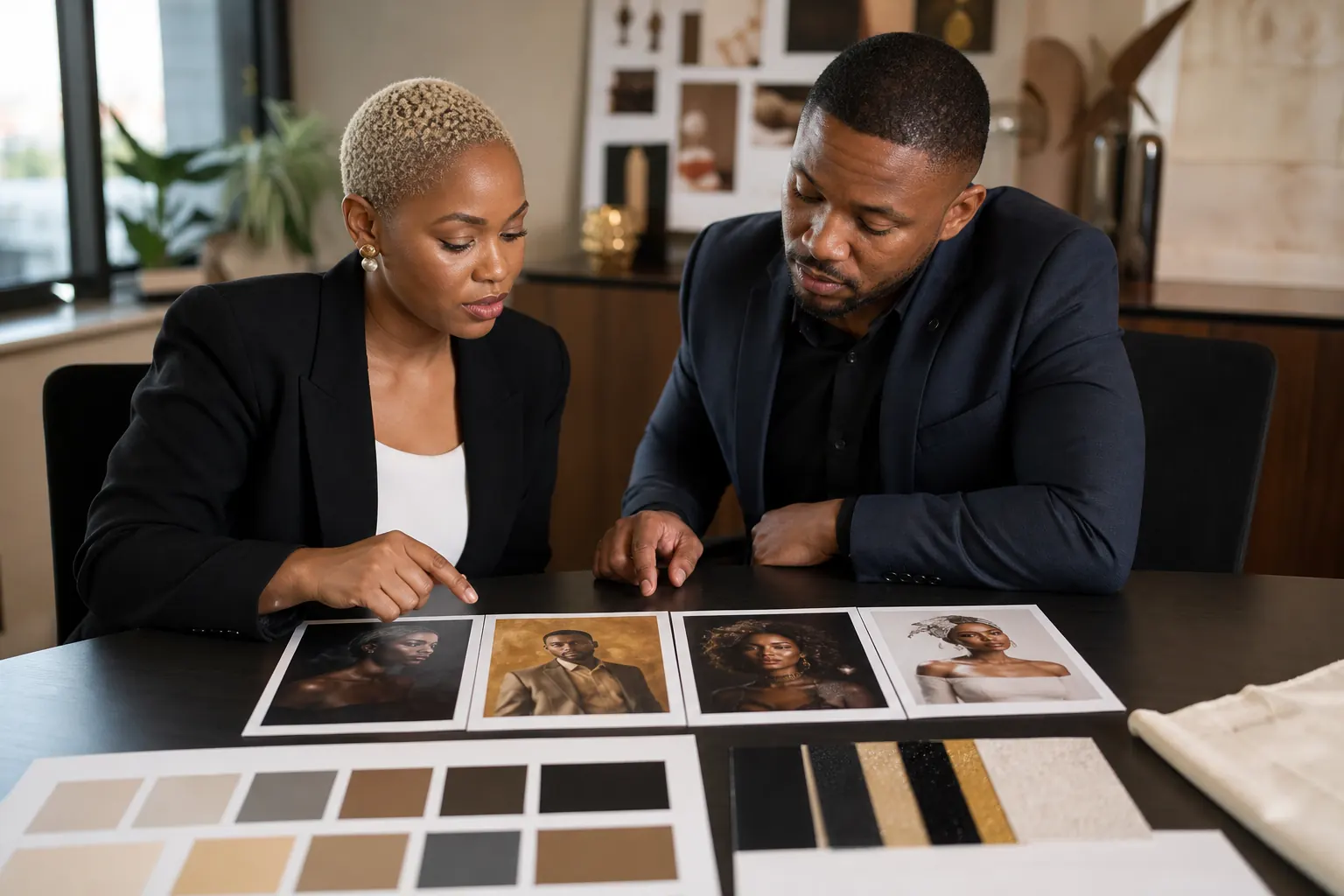
Before event day, approve the theme, branding, guest message and data handling for your corporate AI photo booth. Give each decision one owner, set a deadline and approve a small test set before production. The checklist below helps a marketing team, event organiser or agency move from a promising idea to a controlled guest experience.
Corporate AI photo booth approval: the quick answer
Start with one sentence that explains the business job. For example: “Give delegates a personalised campaign keepsake that they can share after the launch.” Then name one approval owner and record the evidence needed for sign-off. That evidence will usually include a creative reference, several test portraits, the final branded layout, the guest-facing message, the agreed sharing flow and a venue plan.
Do not treat every comment as a new direction. Collect feedback from brand, legal or privacy, event operations and the venue, then have the nominated owner give one consolidated decision. A clear approval route protects the schedule and makes the final experience easier for guests to understand.
The approval rule
No item is approved because it was discussed in a meeting. Record what was approved, who approved it, the version or example they saw and the date. If the input changes, identify which later decisions need to be reviewed again.
Set the job, audience and approval owner
A corporate AI photo booth can be entertainment, a branded keepsake, a campaign interaction or part of a staff celebration. It can support more than one goal, but one should lead. That choice affects the theme, queue design, output and success measure.
Define the outcome in practical terms
Aim for an outcome the event team can observe. “Create engagement” is vague. “Encourage delegates to create and share a campaign portrait during the networking break” gives the team something to plan around. It also raises useful questions: Is sharing optional? How many guests need to be served? Does the portrait need a campaign frame? What happens when a guest does not want to share?
If the booth format is still open, review the Selfie AI photo booth experience and compare it with the event objective. AI is a good fit when the personalised transformation is central to the appeal. A fixed-background experience may be simpler when every image must match one exact approved scene.
Name one person who can close decisions
The approval owner may be the client marketer, event lead or agency producer. They do not need to make every specialist judgement. They do need authority to combine those judgements into one instruction. Record a backup approver as well, especially when final testing happens close to the event.
| Decision | Useful owner | Evidence for sign-off | Deadline |
|---|---|---|---|
| Experience objective | Marketing or event lead | One-sentence outcome and audience | Before creative work |
| Theme and likeness | Brand and campaign owner | Reference plus varied test portraits | Before production build |
| Logo and output layout | Brand custodian | Final print or digital-size artwork | Before final testing |
| Guest and data flow | Client privacy or legal contact | Guest message, fields, purpose and retention answer | Before guest-facing setup |
| Venue and operations | Event producer and venue | Floor plan, power, access and timing | Before load-in confirmation |
Approve the creative route before refining details
The first creative approval should answer three questions: What visual world are guests entering? How closely should the result resemble them? Which elements are not allowed? Approve those boundaries before debating small colours or copy changes.
A useful theme reference shows the lighting, palette, setting and degree of transformation. It should not depend on one model or outfit. Ask for tests across different faces, skin tones, clothing colours and at least one group if groups are expected. The AI photo booth theme guide explains how to create one recognisable visual system rather than a collection of disconnected effects.
Separate creative approval from technical consistency
The concept can be exciting and still need production testing. Review whether faces remain comfortable and recognisable, hands and clothing look plausible, groups stay balanced and the same theme survives across several outputs. Reject a route that works for only one carefully chosen example.
Do not approve a reference that copies a protected character, artwork or campaign belonging to someone else. If a particular visual reference matters, the client team should confirm that it is appropriate to use. Original campaign cues, approved brand assets and a clearly described visual direction give the creative team a safer brief.
Lock the brand output at its real size
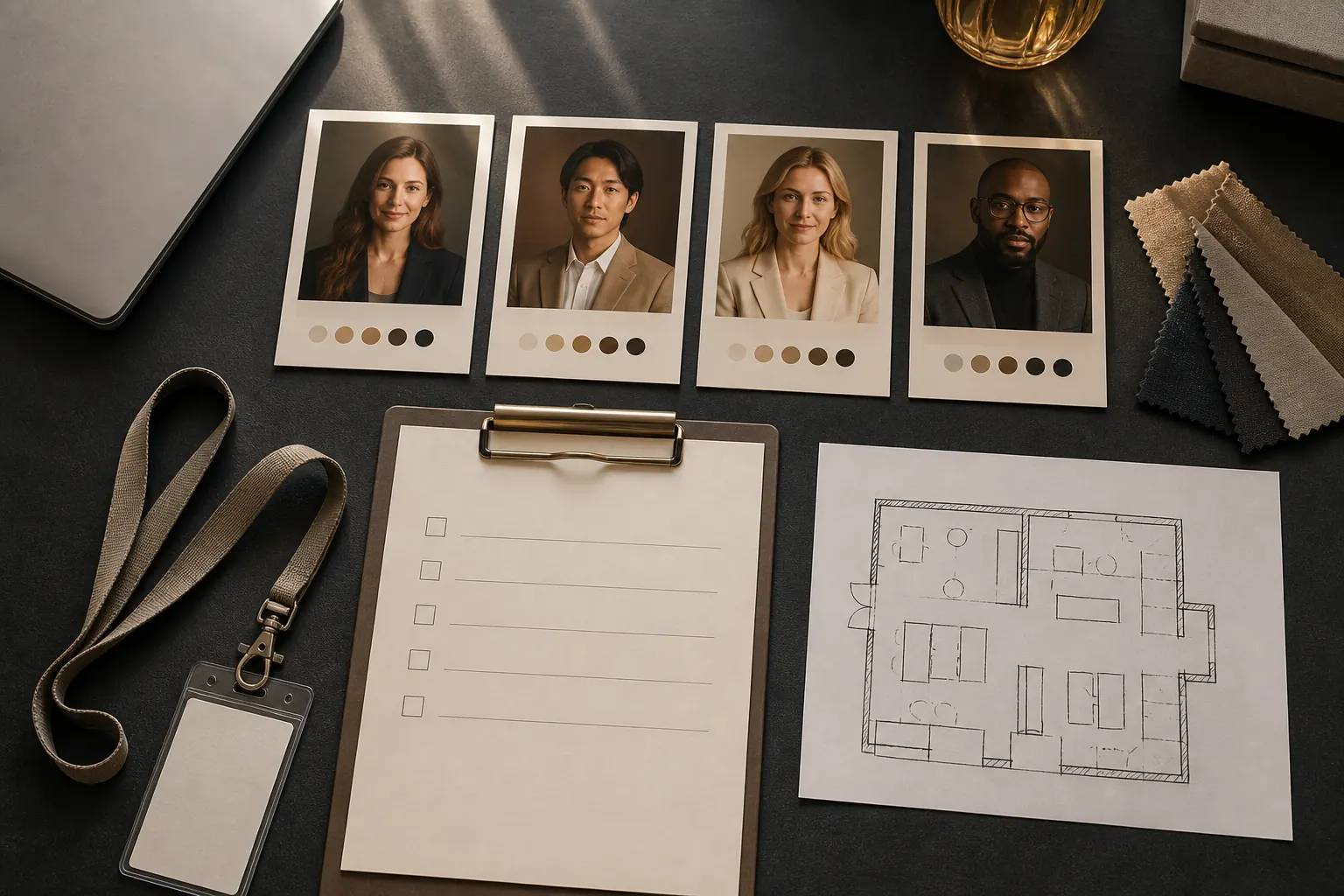
Keep the variable portrait and the exact brand layer as separate decisions. The portrait can reflect the campaign through mood, palette and setting. The final print or digital layout can hold the logo, event name, date, hashtag or call to action in a fixed position.
Review that layout at the size guests will receive. Fine copy and several sponsor logos may be readable on a laptop but cramped on a photo strip. Confirm the correct logo file, clear space, approved colours, required wording and whether the output is portrait, square or landscape. The final test should use production artwork, not a temporary logo.
Version control matters
Put a version number or date on artwork and test sets. When the brand team approves “version 4”, everyone should know which file that means. Remove older options from the active review folder so they are not used by mistake.
Plan the guest message, sharing flow and data questions
Map what the guest sees from invitation to finished portrait. At the experience, a short message should explain what will happen, how the image will be transformed, what choices the guest has and how the result will be delivered. Avoid making a sharing step look compulsory when it is optional.
If guest details or images are processed, the responsible client team should approve what is collected, why it is needed, who can access it, how long it is retained and how a guest can raise a query. The South African Information Regulator’s POPIA resources provide official guidance. This article is a planning checklist, not legal advice, so refer event-specific questions to the organisation’s privacy or legal adviser.
Test the full journey, not only the picture
Run one realistic test from arrival to delivery using the AI photo booth guest journey as the starting checklist. Check the instructions, consent or notice wording where required, capture, processing time, output, sharing steps and the fallback if connectivity is unstable. Ask someone who did not write the instructions to try the experience. If they need repeated verbal help, simplify the message before event day.
The broader AI photo booth organiser guide covers initial supplier questions and guest journey planning. The corporate checklist here adds a clearer approval owner, evidence and deadline for each decision.
Confirm the venue and event-day plan
A good creative approval can still fail if the booth is placed in a dark corner, disconnected from the programme or supplied with unreliable power. Agree the location on a floor plan and check access, load-in times, power, lighting and queue space. Confirm a stable internet connection of at least 10 Mbps for the current Selfie AI setup, with a named venue contact and an agreed backup connection.
Plan around the event programme
Identify the periods when guests are most likely to participate. A booth may be quiet during formal presentations and busy during registration, tea breaks or the reception. The service window and operator briefing should reflect that pattern. If an executive or campaign spokesperson needs a portrait, schedule it rather than relying on a gap in the programme.
Agree the event-day chain of command
Name the on-site client contact, venue contact and booth lead. Decide who can approve a small operational change and who must be called for a brand or guest-communication issue. Share those numbers before load-in. The on-site team should not be searching an email thread while guests wait.
| Stage | Approve when | Do not approve when |
|---|---|---|
| Concept | The visual world, likeness and exclusions are clear | The idea depends on one perfect reference image |
| Test set | Different people and groups remain plausible and consistent | Hands, faces, clothing or backgrounds fail obvious checks |
| Brand layout | Production artwork is legible at final size | Temporary logos or unreadable copy remain |
| Guest journey | The message, choices and delivery steps are understood | Guests need repeated explanation or optional actions look compulsory |
| Venue plan | Location, access, power, queue and contacts are confirmed | The floor plan or service timing is still assumed |
The final corporate AI photo booth approval checklist
- Write the primary event outcome and audience in one sentence.
- Name the approval owner and backup approver.
- Confirm the output format, estimated guest volume and service window.
- Approve one creative route, the likeness boundary and excluded elements.
- Review a varied test set, including groups when relevant.
- Approve the final logo, copy and layout at production size.
- Confirm the guest-facing explanation and sharing choices.
- Record the answer to collection, purpose, access, retention and guest-query questions.
- Test the complete guest journey and a connectivity fallback.
- Approve the floor plan, load-in, power, queue space and event timings.
- Share the event-day contacts and decision path.
- Store the approved versions and remove superseded files from use.
Questions to ask before signing the booking
- What is included in the package and what needs a custom quote?
- How many creative options and test rounds are included?
- What turnaround should guests expect at the event?
- Can solo and group portraits both use the approved theme?
- What output formats and branded layouts are available?
- What information is required from guests and how is it handled?
- What venue access, power, connectivity and operating space are needed?
- What is the fallback if a technical or connectivity problem occurs?
Give the supplier the event date, venue, expected attendance, service hours and creative deadline when requesting a quote. Specific inputs make it easier to recommend a workable package and approval schedule.
Frequently asked questions
How early should a corporate AI photo booth be approved?
Allow time for the theme brief, test portraits, brand artwork and guest-flow review before final production. The exact lead time depends on how custom the concept is, so confirm the schedule before booking and give internal reviewers fixed deadlines.
Who should approve the AI photo booth theme?
One nominated owner should issue the final decision after gathering input from brand, campaign, event operations and privacy or legal contacts where relevant. Several uncoordinated approvers usually create contradictory feedback.
Can the portraits include a company logo?
Yes. It is usually clearer to keep the exact logo in a fixed output frame while the portrait carries the campaign mood through its creative treatment. Approve the logo artwork at the final output size.
What should be tested before event day?
Test different guests, clothing colours and groups, then complete the full journey from the guest message through capture, transformation, output and sharing. Also test the venue setup and fallback process.
Continue planning
Explore the Selfie AI experience
Check the current AI service, package options and venue connection requirement.
Choose an AI portrait theme
Prepare a visual brief and test the result across the guests you expect.
Use the organiser approval guide
Set the theme, likeness, artwork and guest-information approvals before event day.
Planning a corporate AI experience?
Share the event date, venue, expected attendance and creative direction. We can recommend a practical route and prepare a personalised quote.