An AI photo booth takes a guest’s photo, applies a pre-approved creative treatment, then produces a transformed portrait for printing or digital sharing. The visible part feels simple: choose a theme, pose, wait for the image and collect it. Behind that short journey, the organiser and supplier have already agreed the theme, likeness, output layout and delivery method. This guide explains each step so guests know what to expect and organisers know which details to settle before the event.
How does an AI photo booth work?
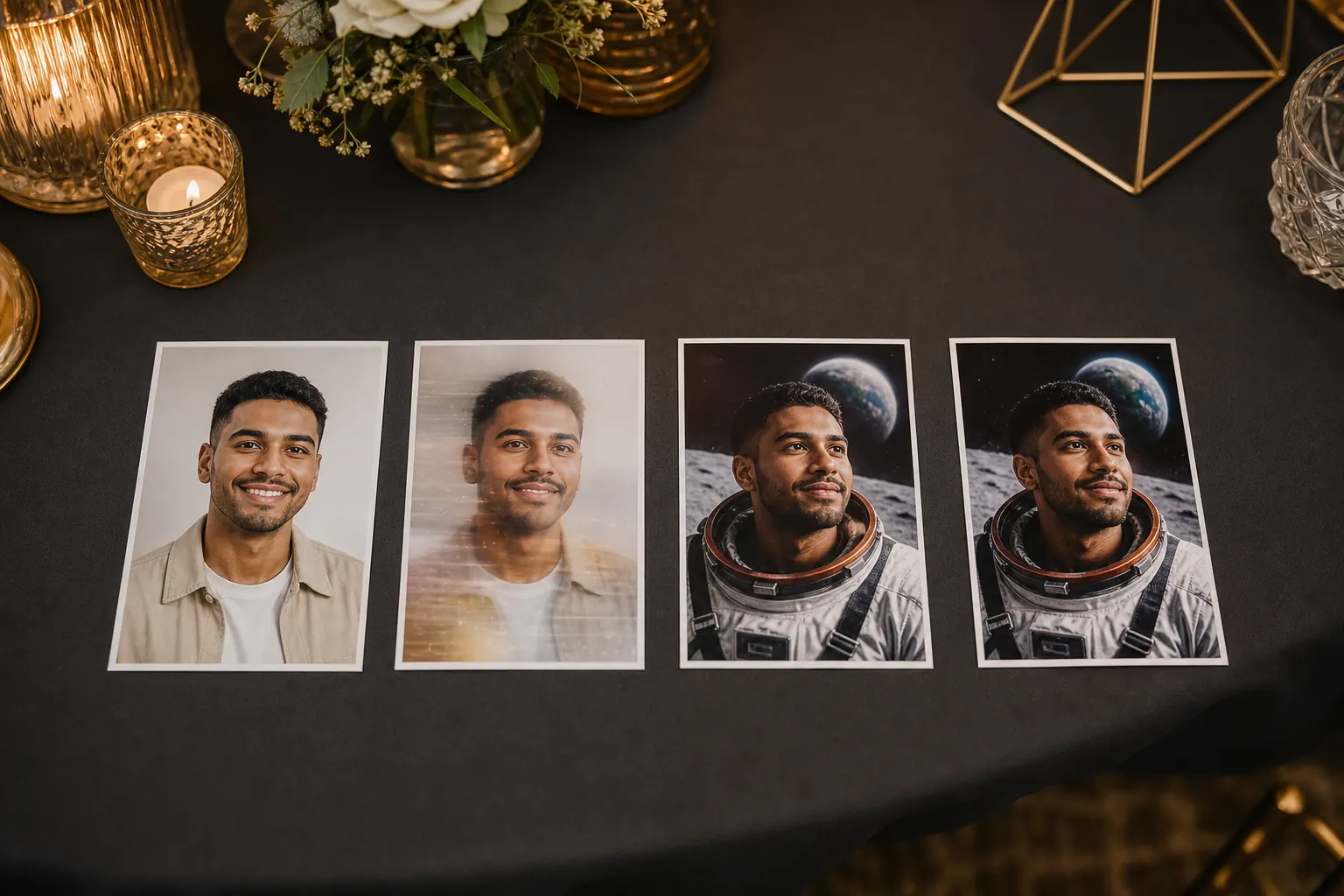
A guest chooses an available theme, stands for a clear portrait and follows the operator’s posing guidance. The system uses that captured photo as the starting point for a new themed image. A prepared creative instruction controls the setting, wardrobe treatment, mood and other visual details. Once the portrait has been processed and checked, it can be printed on site and made available through the agreed digital sharing route.
The important distinction is that the process does not simply place the original photo on a decorative background. It can reinterpret parts of the image to create a themed portrait. That makes the brief and testing important. A good result should still feel like the guest, while the creative treatment should remain consistent from one person to the next.
| Stage | What the guest sees | What is happening behind the scenes |
|---|---|---|
| Theme | A choice or clear explanation of the event’s approved look | A prepared creative direction sets the scene, mood and degree of transformation |
| Capture | A normal portrait moment with posing guidance | The source photo needs a visible face, useful framing and suitable lighting |
| Transformation | A short wait while the new portrait is created | The source image and approved creative instruction are processed together |
| Review | A result to view or collect | Obvious problems can be caught before the output is handed over |
| Delivery | A print, digital copy or both, depending on the booking | The final artwork, print format and sharing route have been prepared in advance |
Most of the important work happens before guests arrive
The event-day interaction may take only a few minutes, but the creative route should be settled earlier. A standard theme can be selected from the available options, or a custom route can be briefed for an event. The organiser then reviews examples that show how the treatment behaves across different people, clothing and poses.
This is where a theme becomes practical rather than merely attractive. The organiser needs to decide how recognisable guests should remain, whether the visual world suits the event, which brand elements are fixed, and what should never appear. The AI photo booth theme guide covers those creative decisions in more detail.
The portrait and the fixed artwork are different layers
The generated portrait can vary because every guest is different. Logos, event names, dates and approved wording should usually sit in a fixed output layout. Keeping those jobs separate helps the brand layer stay exact even when the portrait changes.
Review the finished layout at the real output size. A logo that looks comfortable on a laptop can become cramped on a small print. The event team should approve the production version, not a rough mock-up or temporary file.
The AI photo booth guest journey, step by step
1. The guest sees the theme before posing
At a private celebration, guests may choose from several prepared themes. At a corporate event or activation, one approved campaign style may be used throughout. In either case, the guest should understand that the final portrait will be creatively transformed. A simple example is more useful than a long technical explanation.
If the result is intended to preserve a close likeness, say so in the brief and show examples that meet that standard. If the theme is deliberately more playful, guests should know that the portrait may change clothing, setting or styling more noticeably.
2. The operator helps with position and pose
The starting photo still matters. A clear face, balanced framing and a pose that suits the chosen theme give the process stronger source material. The operator can help the guest face the camera, keep the pose readable and avoid crowding when more than one person is included.
Guests do not need to understand prompts or generative models. Their job is to look towards the camera and follow a short posing cue. The experience should feel like an event portrait, not a software demonstration.
3. The photo is transformed using the approved direction
The captured photo is combined with the prepared creative direction. That direction may describe the setting, palette, wardrobe treatment, lighting mood and composition. The final portrait may contain generated wardrobe, backgrounds or visual details. Agree which changes are welcome and which features of the guest should stay recognisable.
Different systems handle the technical work differently, so an organiser does not need to dictate a particular model. The practical questions are simpler: Does the result match the approved examples? Is the guest recognisable enough for the brief? Are the portraits consistent? How is an obvious failure handled?
4. The result is checked before delivery
AI-generated images can occasionally produce an awkward face, hand, item of clothing or background detail. The event workflow should allow an obvious problem to be spotted and, where appropriate, the portrait to be created again. A quick check protects the guest experience and keeps poor outputs out of the print queue.
Set the acceptance standard before the event. The goal is not to debate every artistic detail while a queue forms. It is to catch clear failures, preserve the approved creative direction and help the guest move through the experience comfortably.
What does the AI change, and what stays controlled?
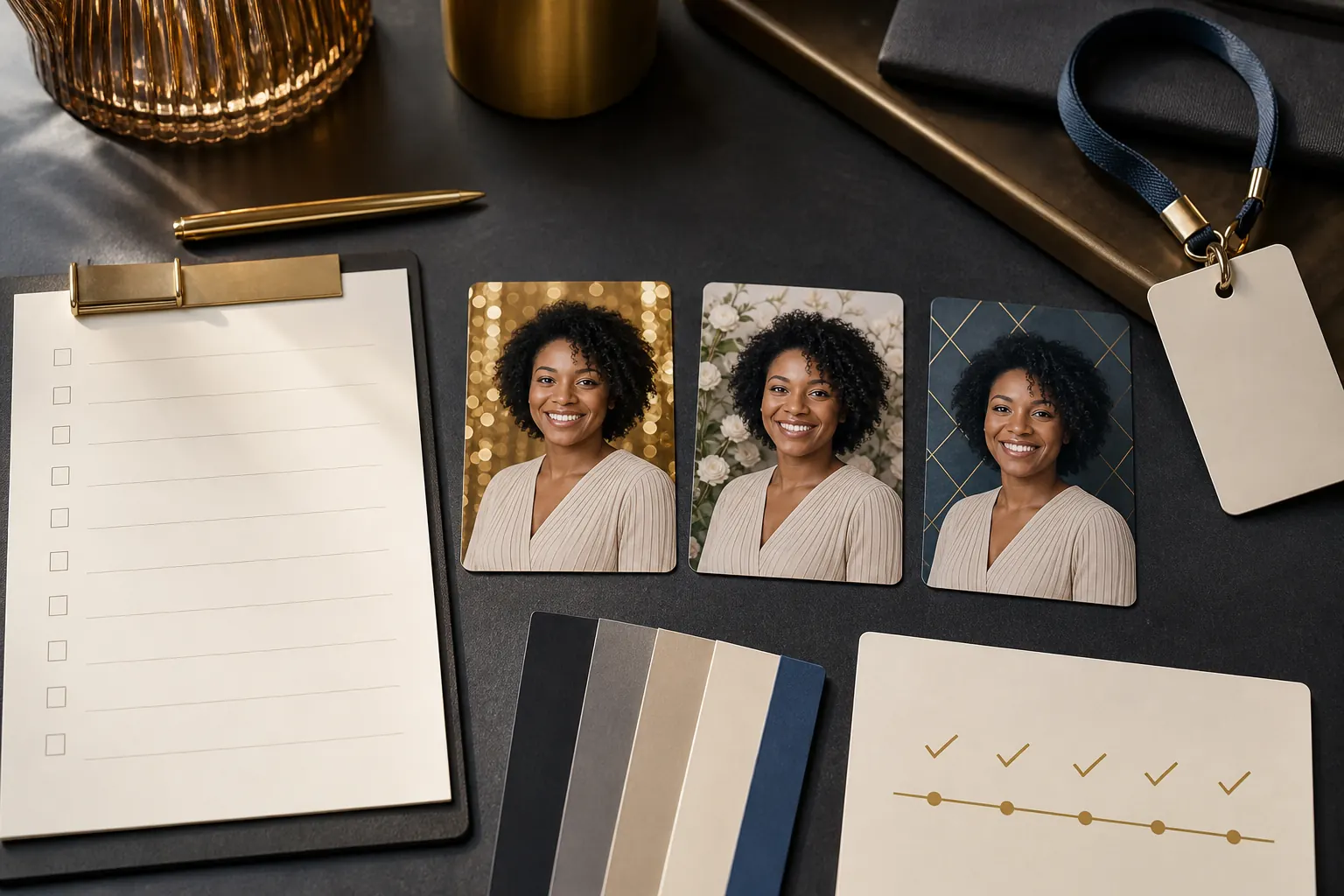
An AI portrait can change the apparent setting, styling, wardrobe or atmosphere around a guest. It may place someone in a cinematic scene, turn an ordinary outfit into a themed costume, or apply a consistent illustrated treatment. The amount of change depends on the creative route approved before the event.
Some elements should remain controlled. The guest’s face should meet the agreed likeness standard. The theme should not drift into unrelated styles. The final print or digital frame should use the correct brand artwork. The output should also respect any exclusions recorded in the brief.
A useful way to judge the result
Ask two questions in order: “Will the guest recognise themselves?” and “Will another guest recognise this as the same event theme?” A successful route needs both personal recognition and creative consistency.
Why two guests can receive different results
The source photo changes every time. Faces, hair, clothing, pose and group composition all affect the new image. The prepared direction gives those different starting points one visual language, but it does not make every portrait identical. That variation is part of the appeal.
Testing should include more than one ideal model. Ask to see examples across different skin tones, hairstyles, clothing colours and age groups that reflect the expected audience. If groups are important, confirm that the chosen route has been tested for groups rather than assuming a solo portrait process will behave in the same way.
How long does it take, and what does the guest receive?
The exact wait depends on the setup, theme and event workflow. The current Selfie AI photo booth service describes a transformation in about one minute, with on-site printing and digital sharing available. Treat that as a service expectation to confirm for the specific booking, especially when a custom theme, group portraits or a particular delivery method matters.
The guest may receive a physical print, a digital copy or both. The organiser should confirm the format, branded layout, delivery route and any action the guest needs to take. Do not assume a digital step is automatic simply because the portrait was created digitally.
Plan the queue around the full cycle
Queue time is not only the transformation time. It also includes choosing a theme, listening to the pose instruction, taking the photo, checking the result and collecting the output. A clear theme choice and short operator cue often improve the experience more than adding another paragraph of guest instructions.
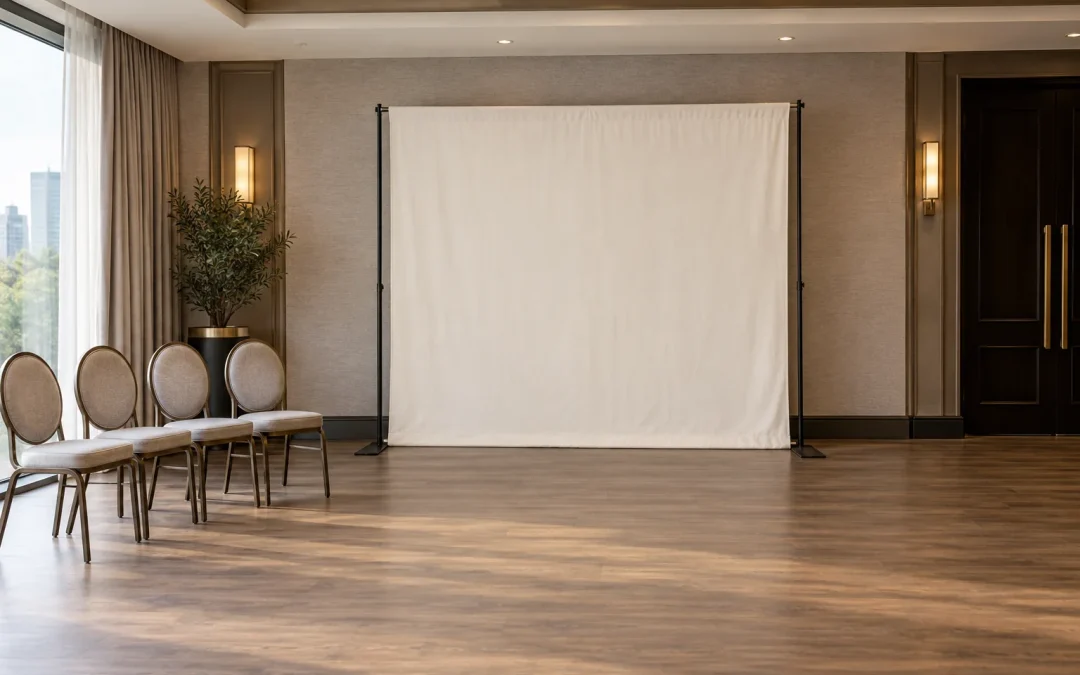
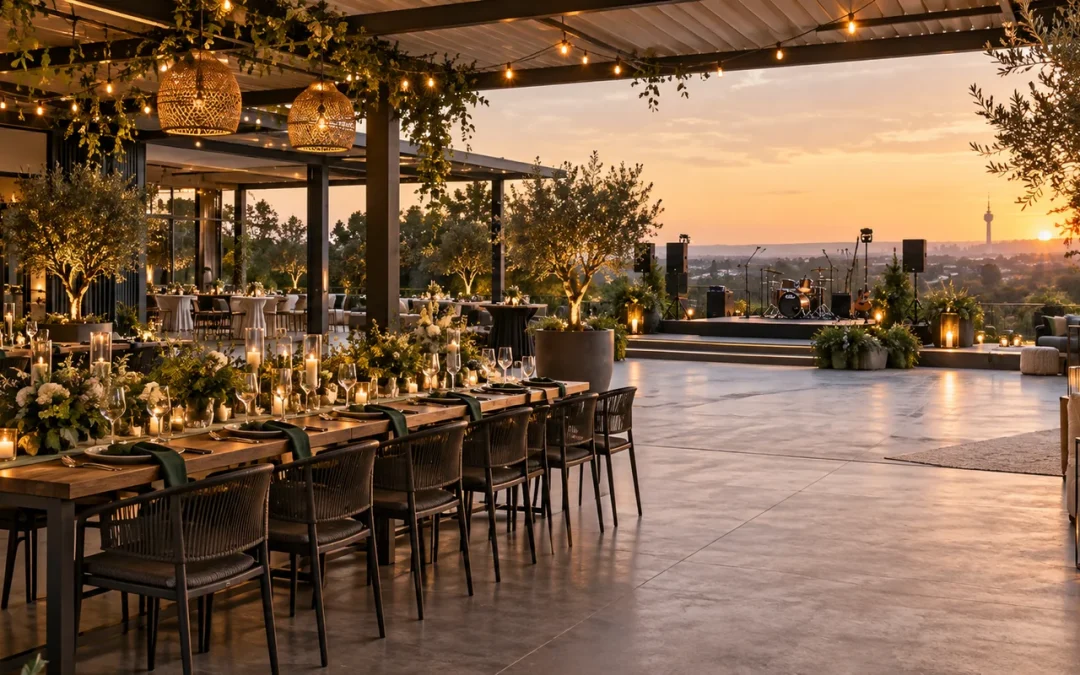
For a corporate celebration, compare the room and queue position with the Gauteng function venue guide. Place the booth where a short queue can form without blocking catering, entrances or a dance floor. If the event programme has concentrated breaks, discuss likely peaks with the supplier before deciding the operating window.
What should the organiser confirm before event day?
| Decision | Confirm this | Why it matters |
|---|---|---|
| Theme choice | Preset or custom, plus the approved visual reference | Guests need one coherent expectation |
| Likeness | How closely the result should resemble the guest | Different creative routes allow different degrees of change |
| Audience | Solo guests, groups and the range of people expected | The test set should reflect real event use |
| Quality check | Who can reject and recreate an obvious failure | Decisions should be quick and consistent on the night |
| Output | Print size, digital route, artwork and quantities | The final keepsake needs an approved production format |
| Guest information | What is collected, why, who can access it and how questions are handled | The event team needs an agreed data and privacy position |
| Venue plan | Placement, power, access, queue space and operating times | The experience must fit the room and programme |
If images or guest details are collected, the responsible organisation should decide the purpose, access, retention and guest-query process before the event. The South African Information Regulator’s POPIA resources are the appropriate starting point for official guidance. Event-specific legal questions should go to the organisation’s privacy or legal adviser.
Confirm the venue connection before load-in. Selfie Cube’s current AI setup requires a stable internet connection of at least 10 Mbps. Ask which connection will be used, who can resolve access restrictions and what the agreed backup is if it fails.
For a broader supplier and approval workflow, use the AI photo booth organiser guide. Corporate teams with brand, venue and privacy sign-offs can also work through the corporate AI approval checklist.
Questions guests and organisers often ask
Does the AI photo booth use a normal photo first?
Yes. A captured portrait provides the starting point. The approved creative direction is then used to produce the themed result.
Will the final image still look like the guest?
It should meet the likeness standard agreed for the theme, but the degree of change varies. Review test portraits before the event and explain the creative treatment clearly to guests.
Can guests choose different AI themes?
That depends on the booking. A private event may offer several prepared choices, while a corporate campaign may use one locked style for consistency. Confirm the guest choice before approving signage or the queue plan.
Can an AI photo booth print the result?
The Selfie AI service includes on-site printing options. Confirm the print format, artwork and expected hand-over process for the selected package.
Does an AI photo booth need internet access?
Yes. The Selfie AI setup requires a stable internet connection of at least 10 Mbps. Confirm the venue connection before the event, and keep the booth network separate from guest Wi-Fi where possible.
What happens if a portrait looks wrong?
The event workflow should include a quick quality check and a clear recreation path for an obvious failure. Agree who makes that call so the decision does not hold up the queue.
Continue planning
Explore the Selfie AI experience
Check the current AI service, package options and venue connection requirement.
Choose an AI portrait theme
Prepare a visual brief and test the result across the guests you expect.
Use the organiser approval guide
Set the theme, likeness, artwork and guest-information approvals before event day.
Planning an AI photo booth for your event?
Share the event date, venue, guest profile and theme idea. We can recommend a practical route and prepare a personalised quote.